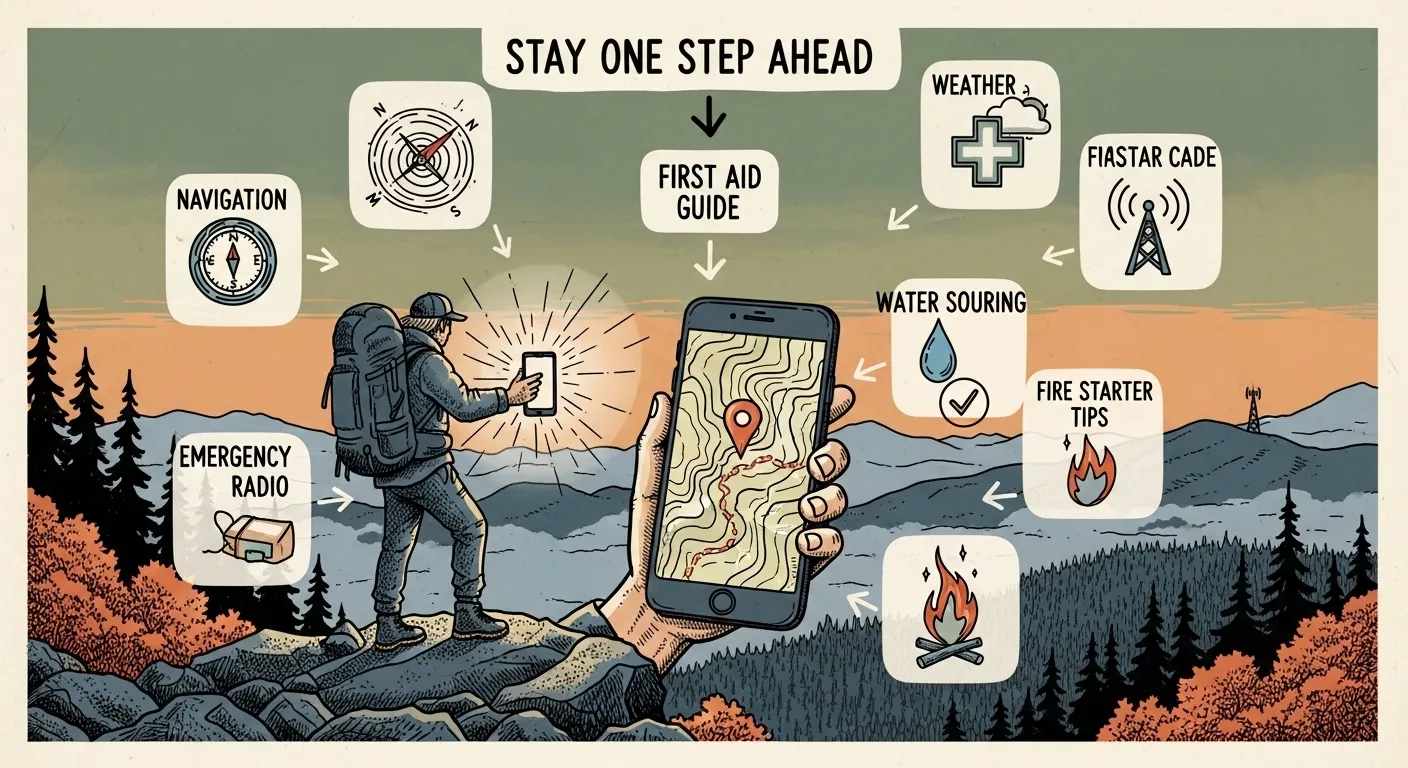
The best prepper apps for beginners include emergency alert apps like FEMA and Red Cross, offline navigation tools like Gaia GPS, first aid apps, pantry inventory trackers, and communication apps like Signal or Zello. These apps help with real-time alerts, route planning, medical guidance, supply management, and staying connected during emergencies, usually without requiring advanced skills.
Key Takeaways
- Build a five-app starter stack: FEMA or Red Cross for alerts, Gaia GPS for offline maps, Red Cross First Aid, Sortly for inventory, and Signal or Zello for backup comms.
- Download offline maps for home, work, and at least two evacuation routes before you ever need them — not during the emergency.
- Test every app in airplane mode at least once. If it doesn't work without a signal, know that going in and plan around it.
- Store roughly one gallon of water per person per day and use a pantry app like Sortly to track expiration dates automatically.
- Keep printed backups — contacts, medication dosages, and maps — in your physical kit. Apps fail. Paper doesn't need a battery.
Best Prepper Apps: Digital Tools for Survival
Prepper apps often get dismissed as gimmicks, but used right, they close the gap between “I should probably know what to do” and actually knowing what to do, fast, when your hands are shaking.
But some people stake their entire emergency plan on a phone that dies at 40% battery in cold weather. So let’s separate the apps that genuinely earn a spot on your home screen from the ones that just look good in an app store screenshot.
Quick Summary
- The best prepper apps cover five jobs: alerts, offline navigation, first aid, supply tracking, and backup communication.
- Your starter stack: FEMA or Red Cross for alerts, Gaia GPS or Google Maps offline for navigation, Red Cross First Aid for medical steps, Sortly or Pantry Check for inventory, and Signal or Zello for comms.
- Offline capability matters more than feature count — an app that dies without signal is dead weight during the exact moment you need it.
- Apps are one layer of a plan, not the plan. Pair every digital tool with a printed backup and actual hands-on practice.
- Test everything in airplane mode before you trust it. This is the step almost everyone skips.
What a Prepper App Actually Does
A prepper app helps your household prepare for, respond to, and recover from an emergency. That’s it — that’s the whole job description. Strip away the marketing and every useful one does at least one of these things:
- Sends location-based alerts and official warnings
- Lets you download maps and plan routes without a network
- Walks you through medical steps for common injuries
- Tracks food, water, and gear so nothing quietly expires
- Gives you a backup way to reach people when cell towers are jammed
None of that replaces stored water, a stocked first aid kit, or a family that’s actually practiced a drill. It supplements it. Think of apps as the fast-reference layer sitting on top of the physical prep you’ve already done — or should be doing.
Why These Apps Actually Matter
Here’s the honest case for putting these on your phone. Apps speed up decision-making when your brain is running on adrenaline instead of logic. They keep your contacts, critical maps, and medical notes in one place instead of scattered across your memory and a junk drawer. They put clear, numbered steps in front of you when seconds actually matter — which, in a real emergency, they usually do.
They also help you rotate food and medication so you’re not discovering expired supplies mid-crisis. It’s common for “prepped” pantries to really just be expired cans with good intentions attached. A $0-cost inventory app fixes that specific failure in about ten minutes a month.
A common mistake: downloading five apps, feeling prepared, and never opening any of them again until the day they’re actually needed. An app that hasn’t been practiced with under pressure is basically a locked door. Pick five, open each one once a quarter, and actually use the features — not just glance at the icon.
Phones and networks fail. That’s not pessimism, that’s just what happens during hurricanes, wildfires, and grid failures. Treat every app as one layer of a broader plan, never the whole plan.
How to Read the App Listings Below
Each entry below gives you the same five data points so you can compare apples to apples:
- Platforms: iOS / Android
- Key features: what it actually does
- Best for: the household scenario it solves
- Offline capability: Yes / Partial / No
- Notes: caveats worth knowing before you download
Emergency Alert Apps: Warnings and Guidance
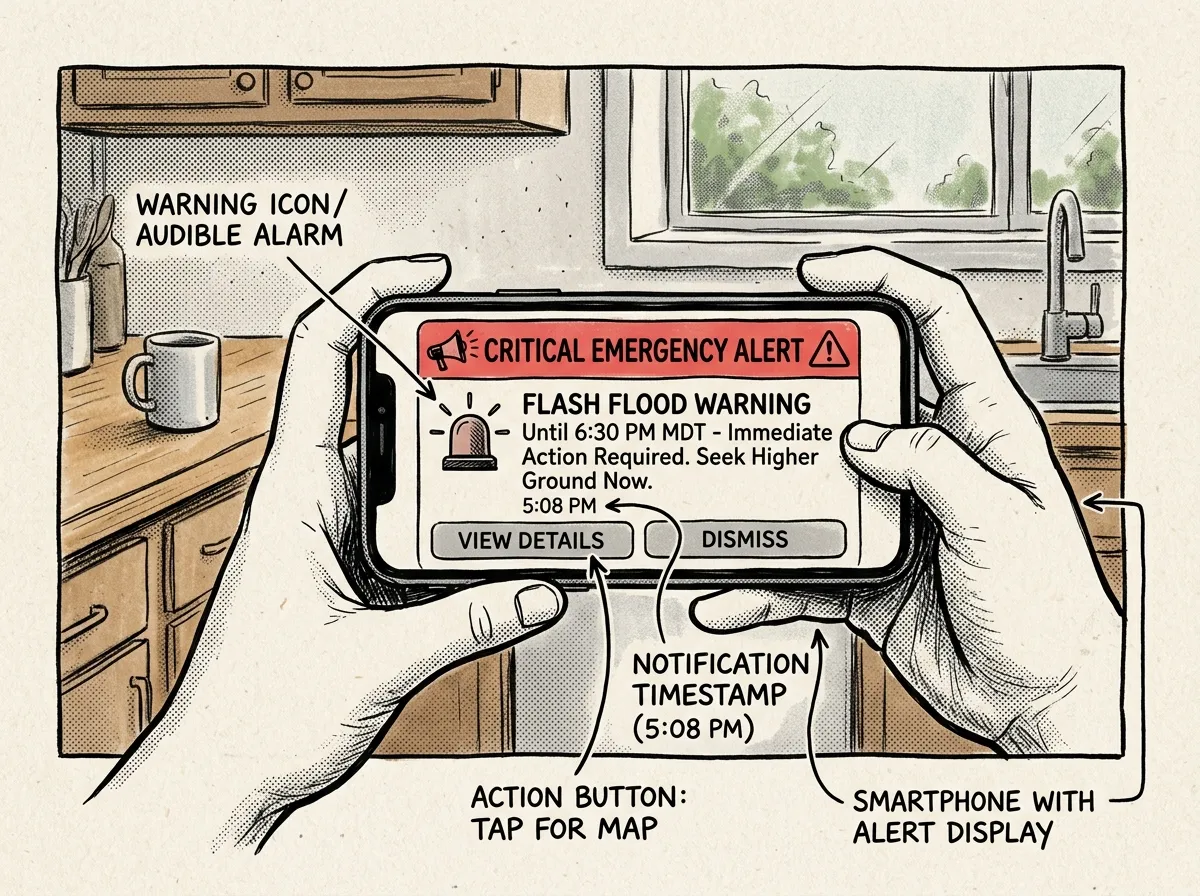 Receiving real-time emergency alerts on your phone
FEMA App
- Platforms: iOS, Android
- Key features: official federal alerts, preparedness checklists, nearby shelter locator
- Best for: U.S. residents who want official, no-nonsense guidance
- Offline capability: Partial (prepared content can be cached)
- Notes: Pair it with your local or state alert system — FEMA’s alerts are national in scope, not hyperlocal
American Red Cross Emergency
- Platforms: iOS, Android
- Key features: custom hazard alerts, step-by-step safety instructions, family check-in feature
- Best for: people who want clear “what to do next” guidance, not just a warning
- Offline capability: Partial
NOAA / NWS and regional radar apps
- Platforms: iOS, Android
- Key features: live radar, storm tracking, severe-weather warnings
- Best for: tornado, hurricane, and flood-prone areas
- Offline capability: No — real-time data requires an active connection
- Notes: Stick to apps that pull directly from NWS feeds without delay. Some third-party weather apps lag by several minutes, and in a tornado warning, minutes matter
What should you actually look for in an alert app? Four things: customizable, location-based notifications; concrete action steps instead of vague warnings; credible sourcing from FEMA, Red Cross, NOAA, or your local emergency office; and the ability to cache preparedness content for when you lose signal.
Navigation and Mapping Apps
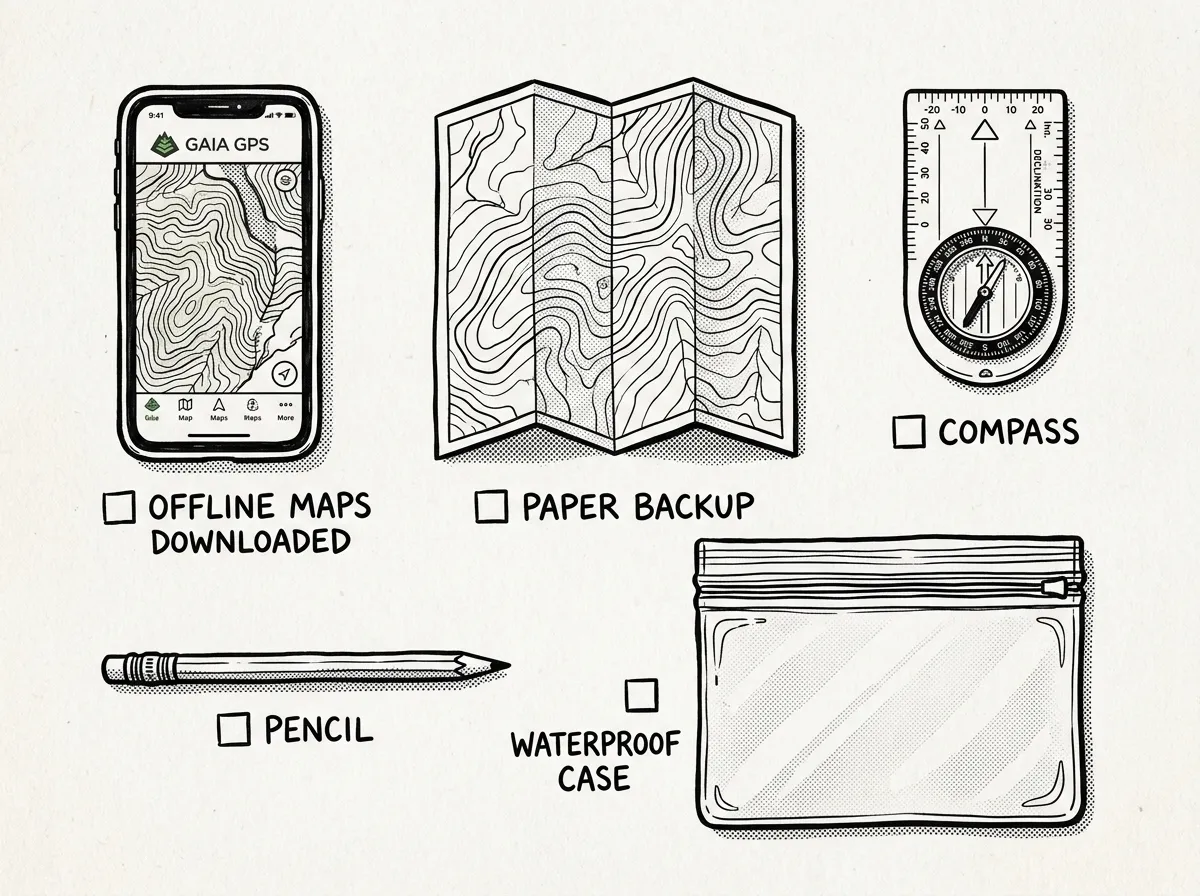 Digital and analog navigation tools for offline use
In the Pacific Northwest, cell coverage drops fast once you’re off the highway corridor — and that’s exactly when you need maps most.
Gaia GPS
- Platforms: iOS, Android
- Key features: downloadable topo and satellite maps, route recording, full offline use
- Best for: backcountry travel and off-grid navigation
- Offline capability: Yes
- Notes: A paid subscription unlocks more map layers, and it’s worth it if you’re regularly off-grid
onX (Hunt / Backcountry)
- Platforms: iOS, Android
- Key features: offline maps, property boundaries, trail access data
- Best for: planning routes that respect land ownership boundaries
- Offline capability: Yes
Google Maps (offline) and Organic Maps
- Platforms: iOS, Android
- Key features: downloaded city or regional maps, saved locations, basic turn-by-turn
- Best for: urban and suburban evacuation routes
- Offline capability: Partial
- Notes: Organic Maps favors privacy and tends to handle offline mode more reliably than Google’s downloaded regions, which can quietly expire
What3Words
- Platforms: iOS, Android
- Key features: three-word addressing for precise spot sharing
- Best for: sharing an exact location with responders or teammates when there’s no street address to give
- Offline capability: Partial
- Download offline maps for home, work, and at least two evacuation routes before you need them
- Save hospitals, shelters, gas stations, and water sources as pinned waypoints
- Switch your phone to airplane mode and run a practice route to confirm the app actually works offline
- Carry a paper map and compass as your no-battery backup
The Gaia GPS subscription runs around $40 a year. The free version of Google Maps offline is fine for a suburban evacuation route, but downloaded areas do expire — Google’s own documentation notes the app tries to refresh an area automatically once it is within 15 days of expiring, which only helps if the phone reaches Wi-Fi in time. A dedicated mapping app like Gaia does not lapse the same way. If you’re anywhere near wilderness terrain, the subscription is worth the cost.
First Aid and Medical Apps
Red Cross First Aid
- Platforms: iOS, Android
- Key features: step-by-step instructions for burns, bleeding, choking, and fractures
- Best for: non-medical people who need clear, fast instructions under stress
- Offline capability: Partial
- Notes: The app is a reference tool, not a substitute for hands-on first aid and CPR training — muscle memory beats reading a screen every time
Offline medical reference apps
- Platforms: iOS, Android
- Key features: downloadable guides on wound care, sanitation, and emergency procedures
- Best for: households who want a full medical reference library saved locally
- Offline capability: Yes, if the content is saved to your device ahead of time
- Notes: Check the app’s sources and credentials before you trust it with a real decision
Medication management apps
- Platforms: iOS, Android
- Key features: refill reminders, medication lists, dosing notes
- Best for: households managing chronic prescriptions
- Offline capability: Partial
- Notes: Keep a printed medication list with drug names, dosages, and allergies — if your phone’s dead and a paramedic needs that info in sixty seconds, paper wins
Get hands-on CPR and first aid training even if you use an app religiously. Reading “apply firm, direct pressure” is nothing like doing it correctly on an actual bleeding wound with your hands shaking.
Food and Water Management Apps
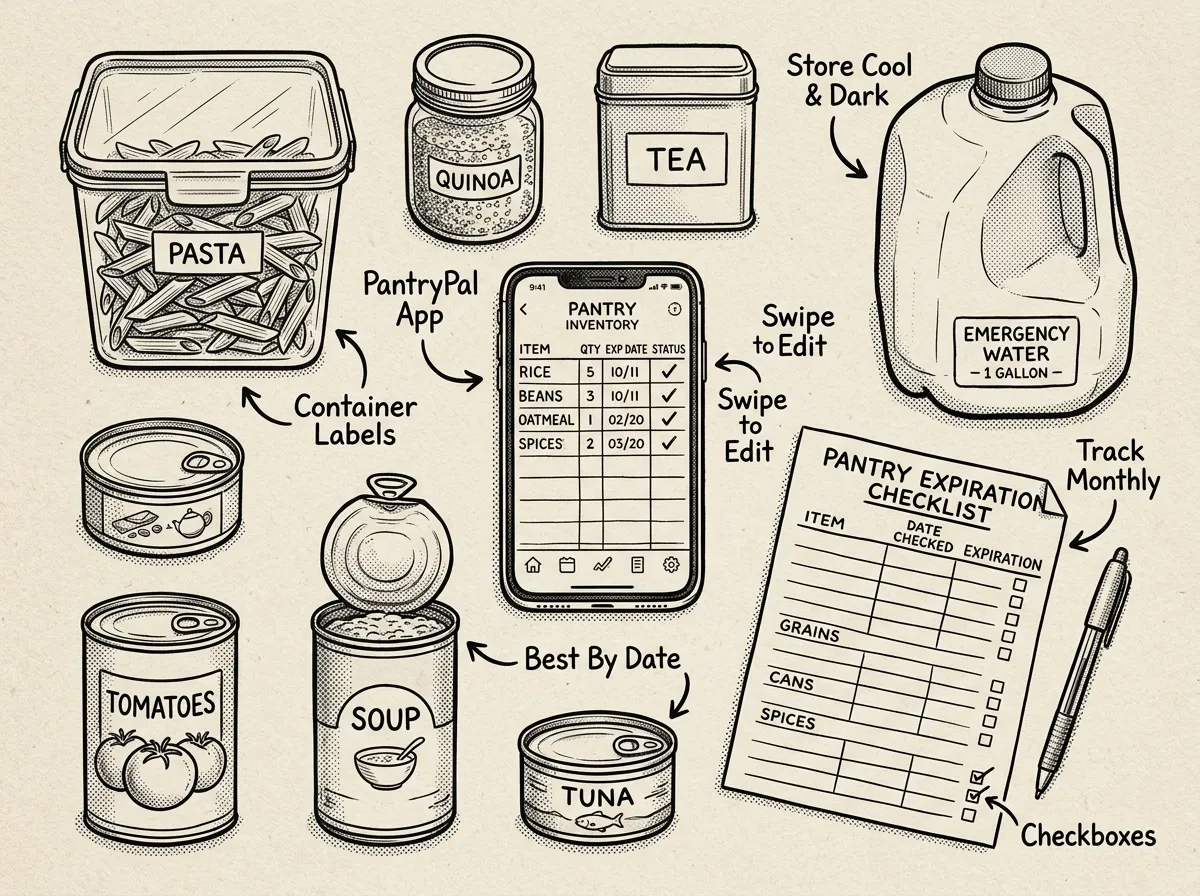 Pantry inventory and water storage tracking essentials
Pantry and inventory apps (Sortly, Pantry Check)
- Platforms: iOS, Android
- Key features: track stock levels, set expiration reminders, photo-based logging
- Best for: organizing household supplies and actually rotating stock instead of forgetting about it
- Offline capability: Partial
Water planning apps
- Platforms: iOS, Android
- Key features: calculators for storage needs and daily consumption
- Best for: estimating how much water to store for your family size and pets
- Offline capability: Partial
Water purification references
- Platforms: iOS, Android
- Key features: boiling, filtration, and chemical treatment instructions you can save locally
- Best for: offline guidance on purification techniques when you’re not sure what’s safe
- Offline capability: Yes, if saved locally
It’s common for people to buy a case of bottled water, forget it exists, and rediscover it two years past a “best by” date. A ten-minute monthly pantry check with a free app like Sortly fixes that permanently.
- Run a monthly pantry check and set expiration reminders in your app
- Link shopping lists directly to preparedness goals, not impulse buys
- Plan roughly 1 gallon of water per person per day, adjusted for climate and activity level
- Keep a manual purification method — like the Sawyer Squeeze, around $30 — as backup to stored water
Communication Apps
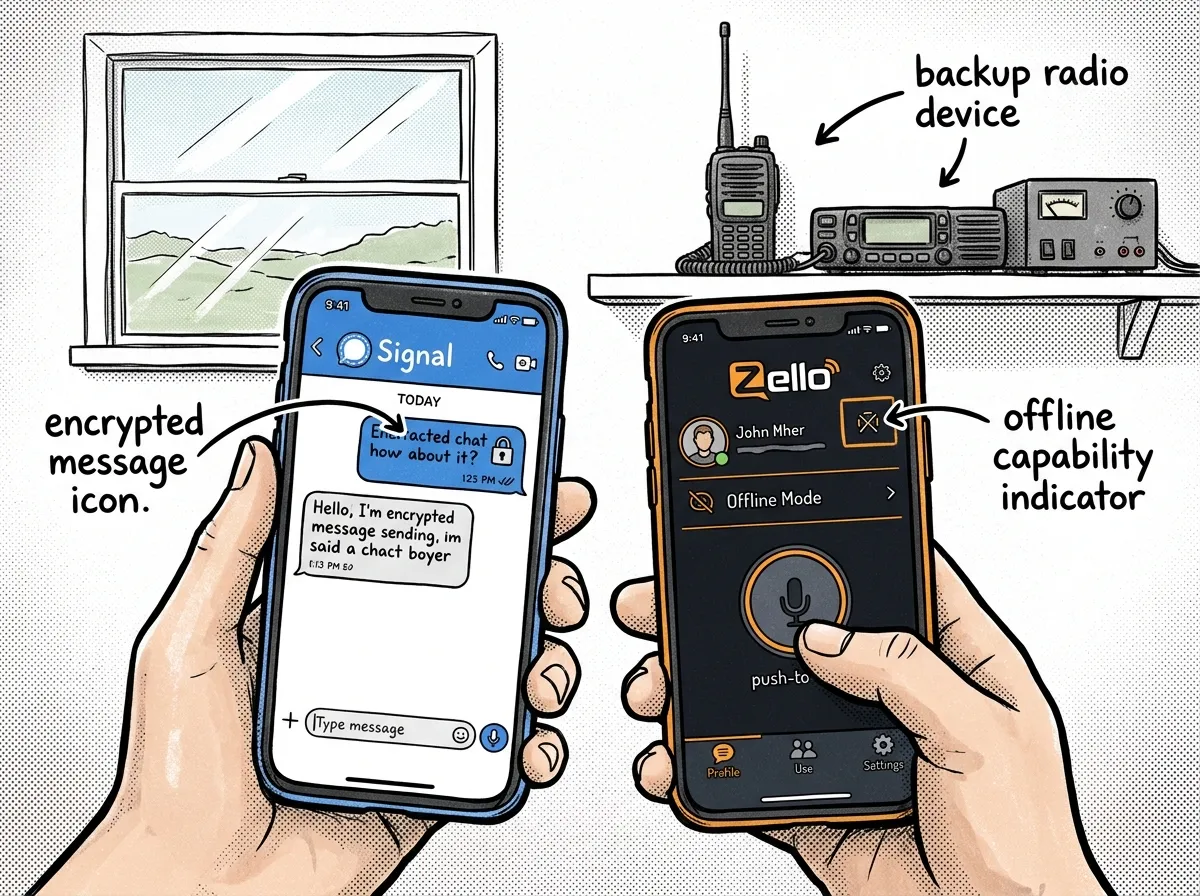 Off-grid communication options when cell networks fail
Zello
- Platforms: iOS, Android
- Key features: push-to-talk channels, low-latency voice
- Best for: group coordination when voice networks are congested
- Offline capability: No
Signal
- Platforms: iOS, Android
- Key features: end-to-end encrypted messages, voice and video calls, location sharing
- Best for: private family or team communications
- Offline capability: No
Mesh and Bluetooth messaging (Bridgefy, etc.)
- Platforms: iOS, Android
- Key features: short-range messaging without internet
- Best for: neighborhood-level coordination and local teams when towers are down
- Offline capability: Yes
- Notes: Range and reliability vary quite a bit by device and terrain — don’t expect miles of coverage in dense urban environments
Amateur radio companion apps
- Platforms: iOS, Android
- Key features: repeater directories, frequency charts, study tools
- Best for: people who also operate ham radio systems
- Offline capability: Partial
What actually works when networks are stressed? Pre-create family or team channels and a check-in schedule before anything happens. Save critical contacts on your phone and on paper. And use at least two methods — a private messenger plus a mesh or radio backup — because relying on a single communication channel is how families lose contact for hours.
Choosing the Right Prepper Apps
Here’s a starter stack that works well for almost any household, beginner or otherwise:
- Install one emergency alert app — FEMA or Red Cross
- Add one offline navigation app — Gaia GPS, onX, or Google Maps offline
- Load one first-aid app — Red Cross First Aid
- Set up one inventory app — Sortly or Pantry Check
- Choose one communication app — Signal or Zello, plus an optional mesh app
Before you commit to any app, ask yourself five quick questions: Does it work offline, at least partially? Are the sources credible and updated regularly? Can you use it quickly under real stress, not just when you’re calm and testing it? Does it solve an actual household need — tracking medication, finding the nearest hospital, whatever your real gap is? And have you practiced with it in non-emergency conditions?
Start small. Test two or three apps that match your household’s biggest actual risks — wildfire evacuation looks different from earthquake prep, which looks different from hurricane season. Then connect the digital tools to physical action: store water, rotate food, build a go-bag, print a family emergency plan. The app is the reminder. The prep is the point.
Final Checks and Regional Advice
Before you consider your app stack “done,” run through this: verify any statistics or claims you find against primary sources like FEMA, the American Red Cross, and NOAA — apps get outdated, and official guidance shifts over time. Test your chosen apps in airplane mode and run one realistic drill with your household, ideally without warning anyone it’s coming. Keep printed copies of contacts, medication lists, and maps inside your physical emergency kit, not just saved to a phone that might not survive the event.
If you’re in a hurricane-prone Gulf Coast area, lean harder on NOAA radar and Red Cross alerts with a generator-charged power bank as backup. High desert and wildfire country is a different problem entirely — cell towers can go down fast, so mesh messaging and offline topo maps matter more than they would in a dense city grid. For region-specific recommendations, reach out to your local emergency management office or lean on FEMA, the American Red Cross, and NOAA/NWS directly — they’re free, and they’re updated far more often than most third-party apps bother to be.
The Complete
Prepper's Reference.
149 articles synthesized into one comprehensive PDF — twelve chapters covering water, food, shelter, first aid, comms, and scenario-specific preparedness. Free with your email.
Unsubscribe anytime · We never share your email
You're in. Check your inbox.
Keep Reading
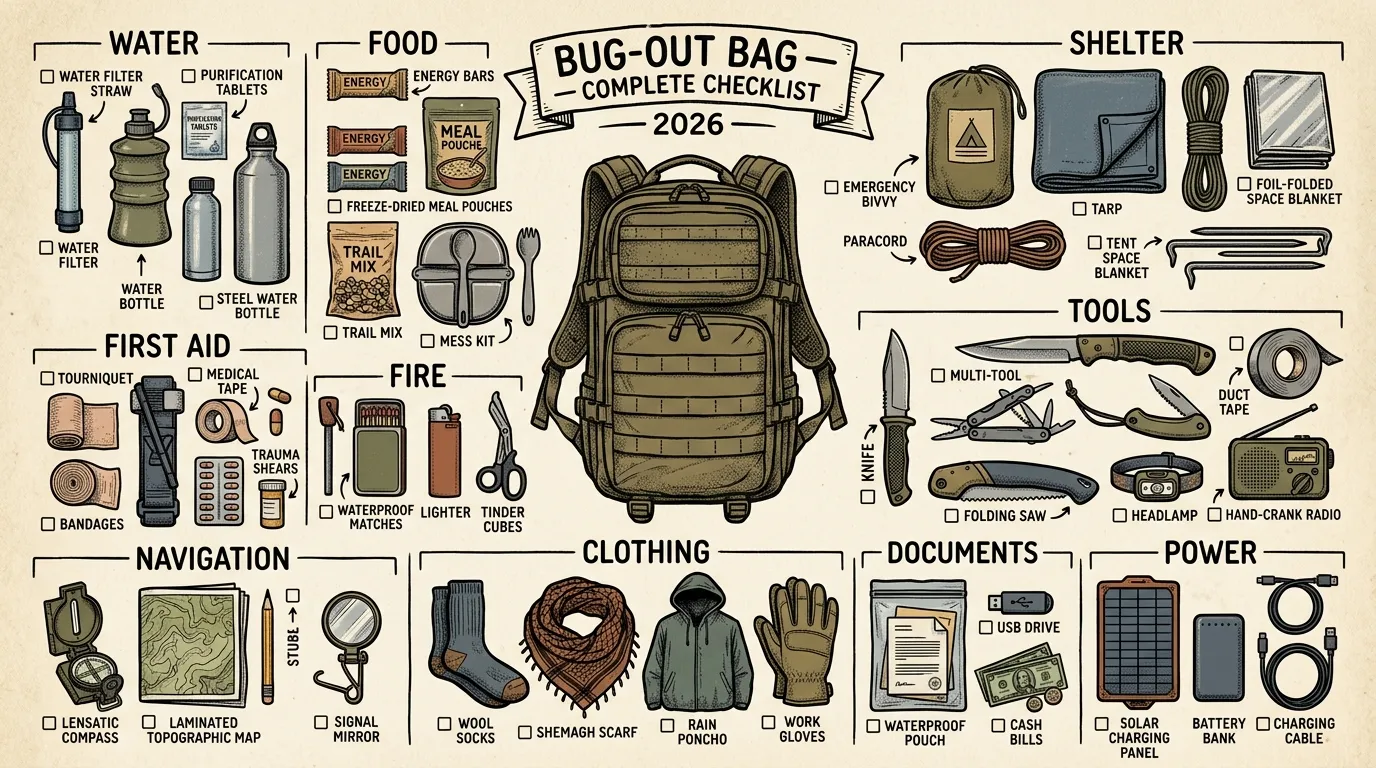
Bug-Out Bag List: Complete Checklist by Category (2026)
Complete bug-out bag list with 8 survival categories, weight budgets, and a 3-tier priority system. Printable checklist included — start packing today.
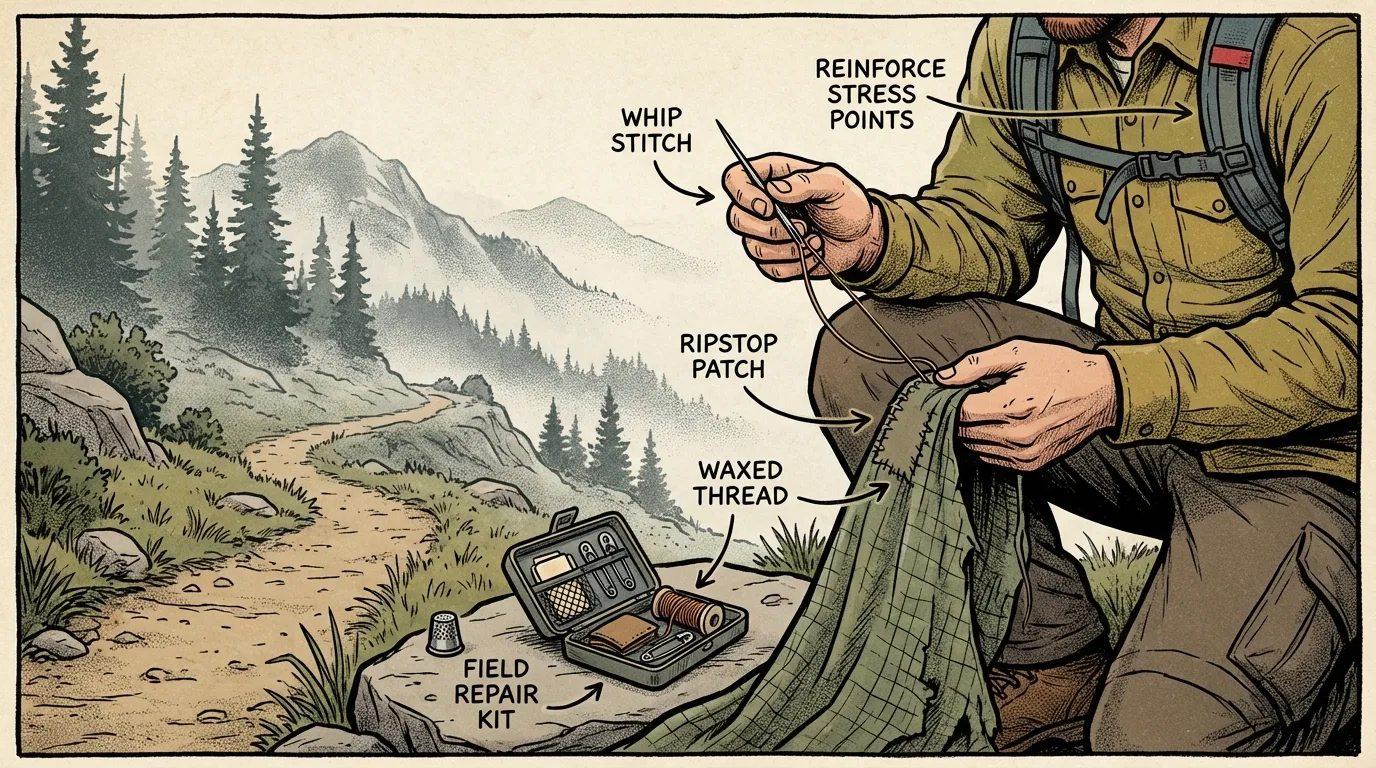
Survival Sewing: How to Repair Your Gear on the Go
Learn essential survival sewing skills to repair backpacks, tents, and clothing fast with beginner-friendly tools, stitches, and field-ready fixes.
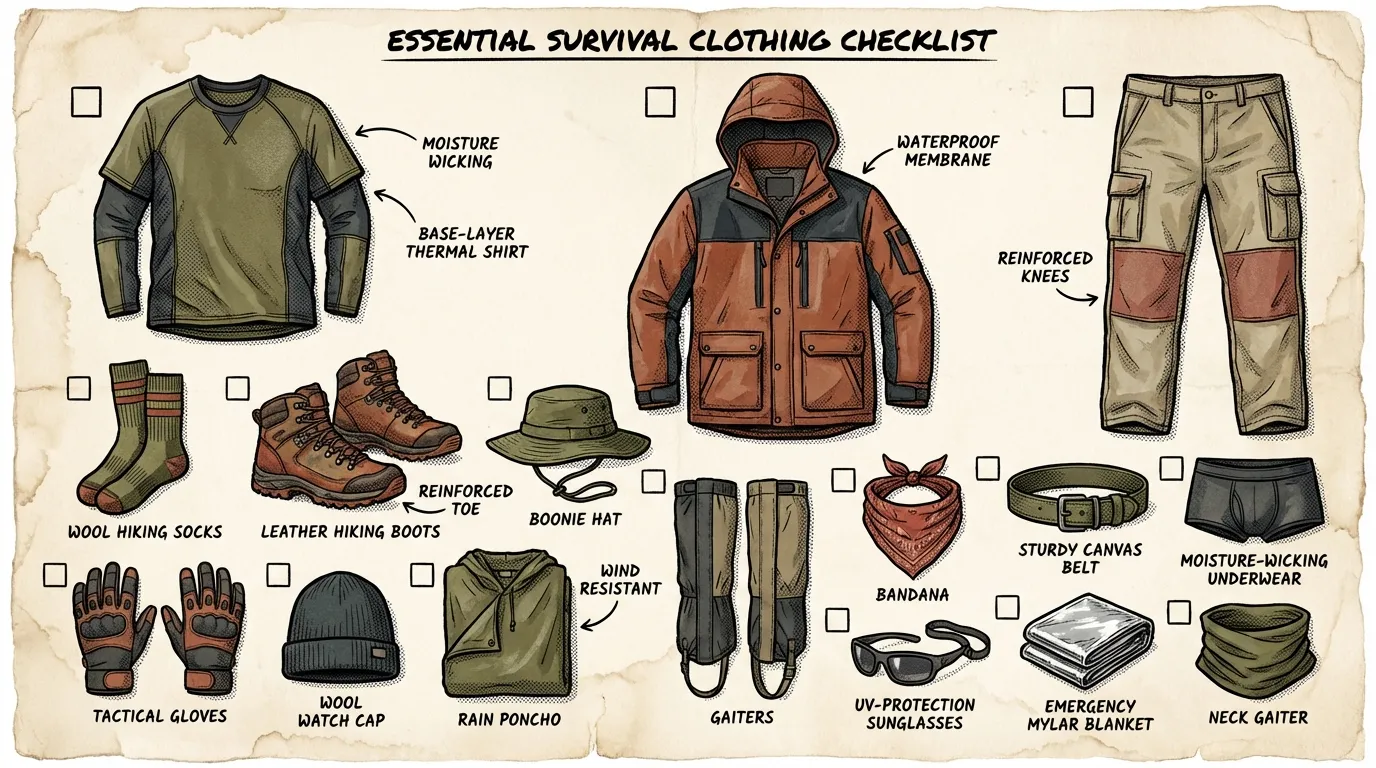
Survival Clothing: Dress for Success When Disaster Strikes
Learn how to choose survival clothing for cold, hot, and wet conditions, with practical layering tips, fabric advice, and beginner-friendly gear picks.